اسلامک بینکنگ
  (021) 111-014-014
  لاگ ان
  اردو
اردو Welcome to AL Habib Digital
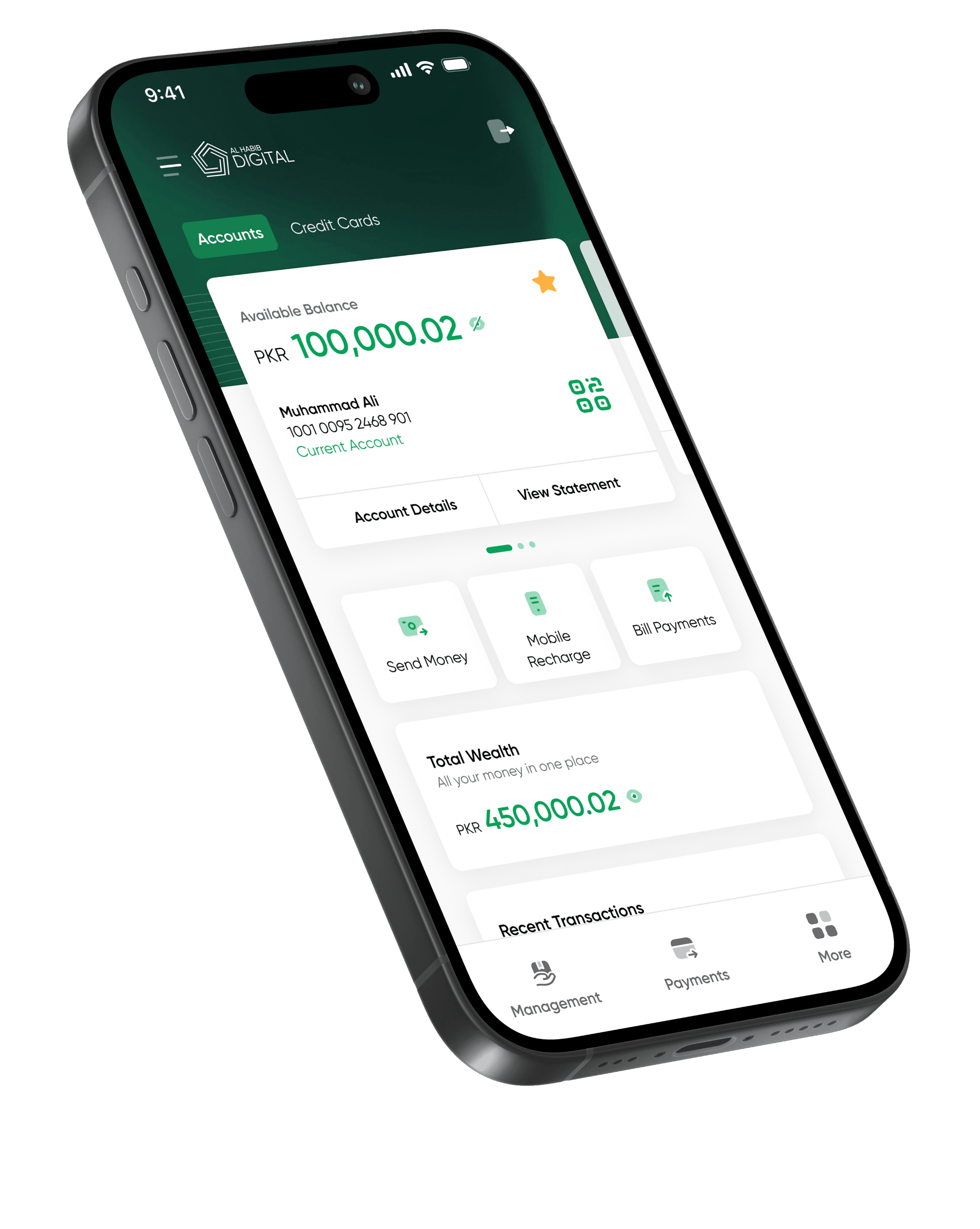
See your balance, track every transaction, and understand your spending — all in one calm, simple view.




Your balance, total wealth, and everyday actions, organised around how you actually bank, the moment you open the app.
Full experience in English and اردو, with clear steps and simple language — so anyone can bank with confidence
Pay K-Electric, SSGC, mobile top-ups and more, in a few taps, with instant confirmation you can trust.
Rearrange your widgets and keep what you use most within reach.
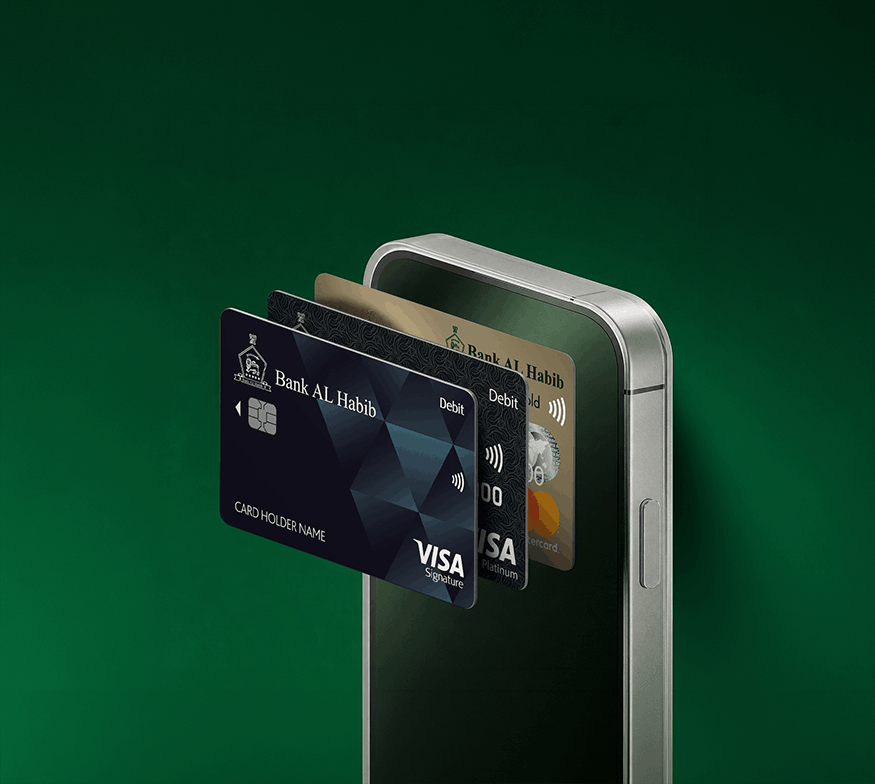
Manage your debit and credit cards effortlessly, make payments, stay secure, and take control of your cards whenever you need to.
From payments to protection, everything is just one tap away.
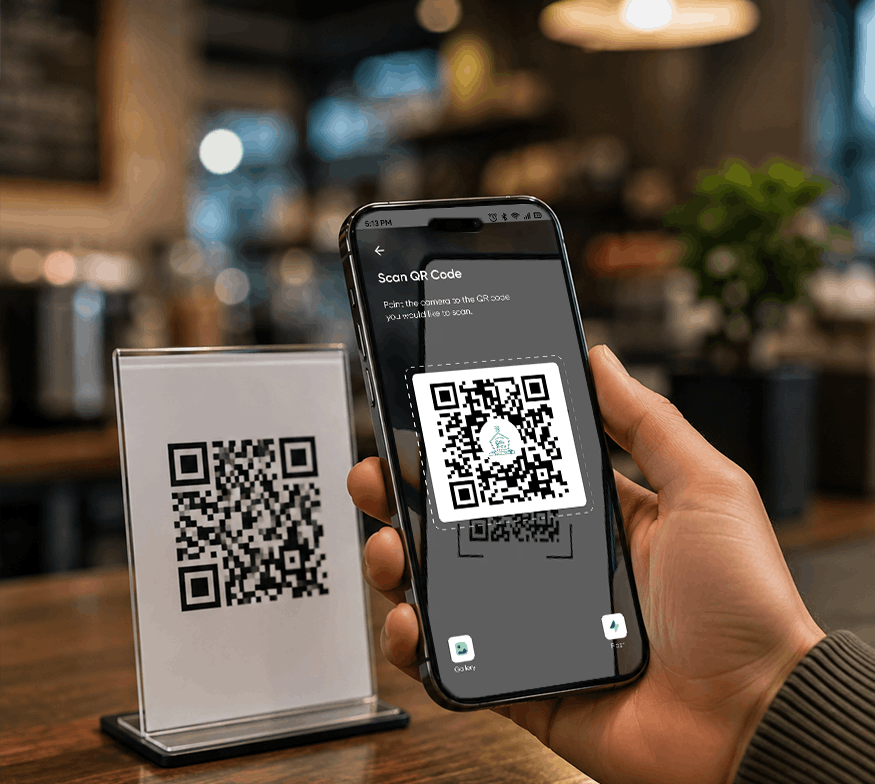
Whether it's bills, QR payments, transfers, or mobile top-ups, move money instantly with a payment experience designed to be fast, simple, and secure.
Because payments should never slow you down.
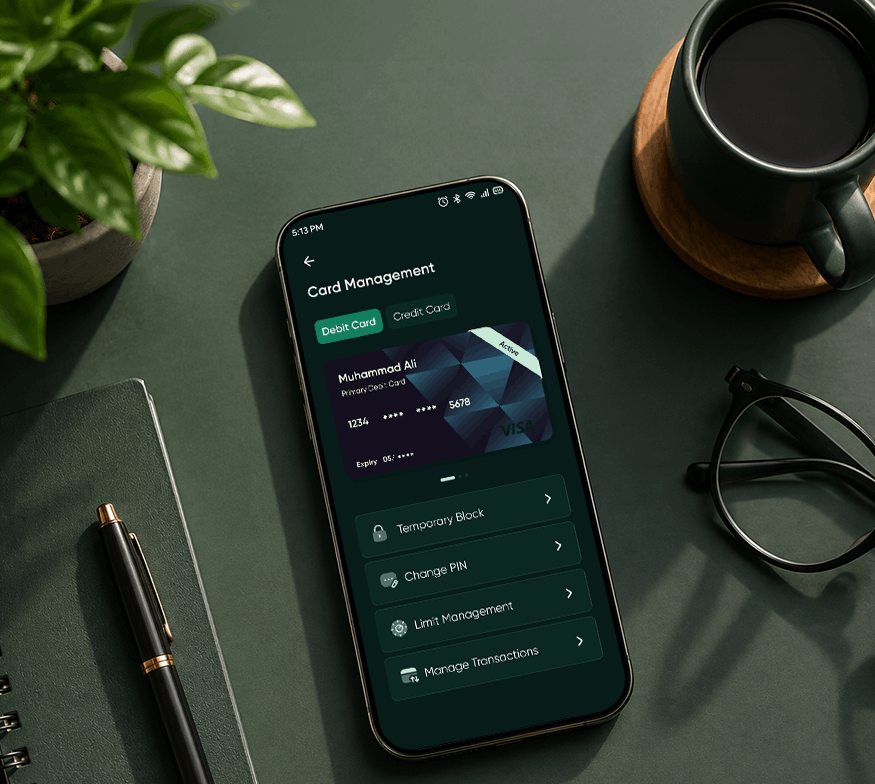
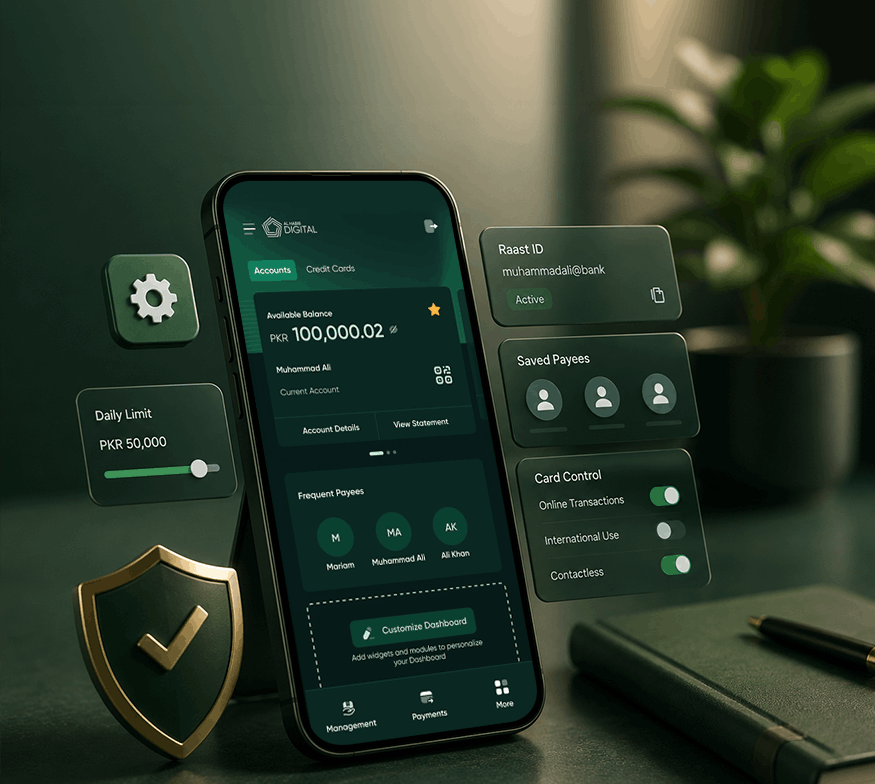
Manage transaction limits, Raast IDs, and saved payees with ease—giving you greater flexibility and control over how you bank.
The tools you need, right where you need them.
Prefer managing your finances on a larger screen? Switch to internet banking for a seamless experience.
Note: To add new payees or open additional accounts, use the AL Habib Digital app. Your login works across both.
Access internet banking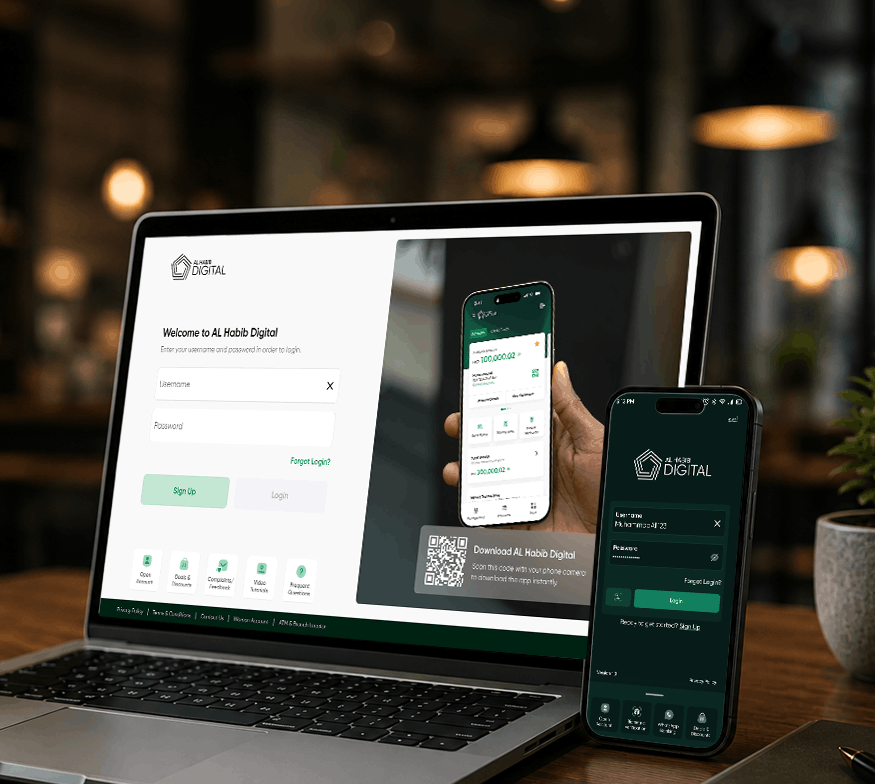
Your money, cards, and personal information are protected with secure biometric authentication and instant card controls, giving you confidence every time you bank.
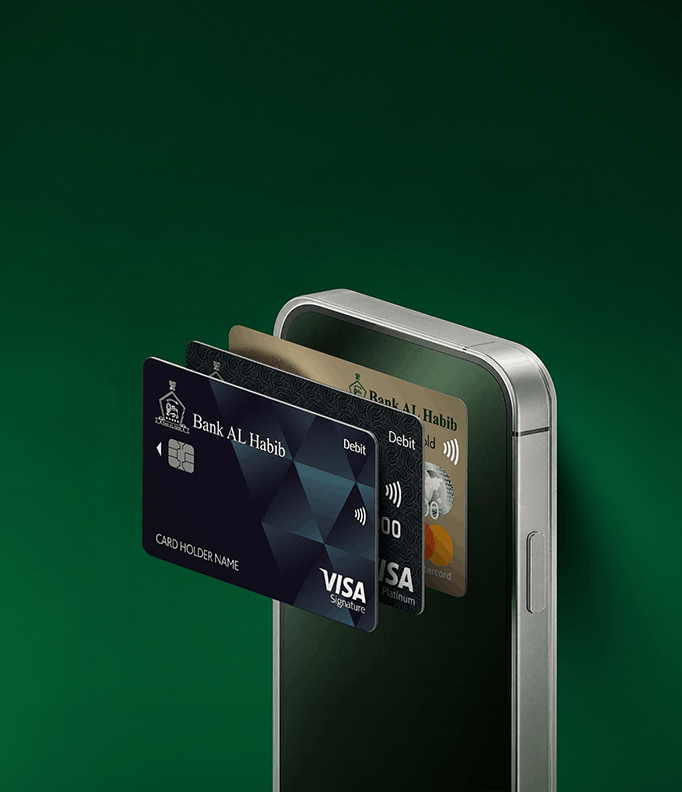
Manage your debit and credit cards effortlessly, make payments, stay secure, and take control of your cards whenever you need to.
From payments to protection, everything is just one tap away.
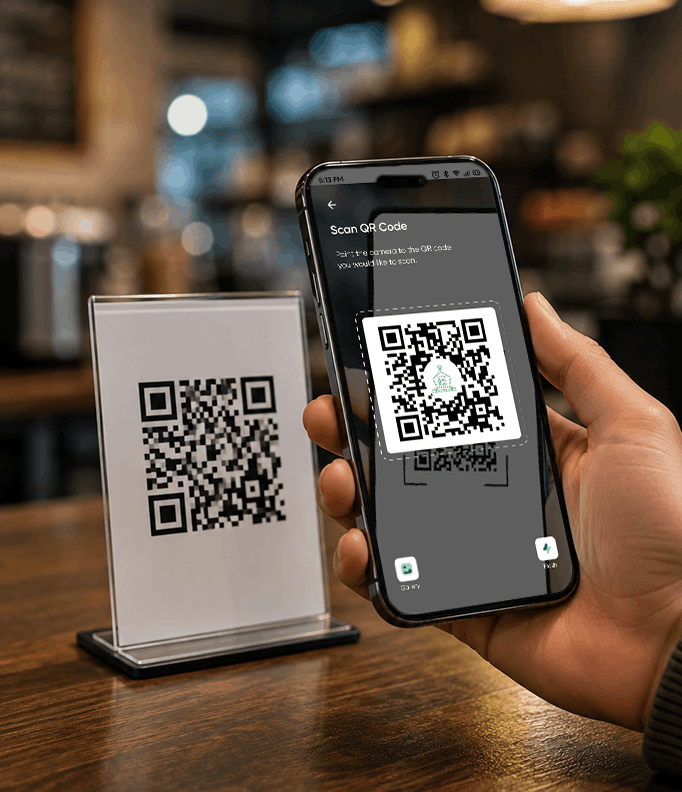
Whether it's bills, QR payments, transfers, or mobile top-ups, move money instantly with a payment experience designed to be fast, simple, and secure.
Because payments should never slow you down.
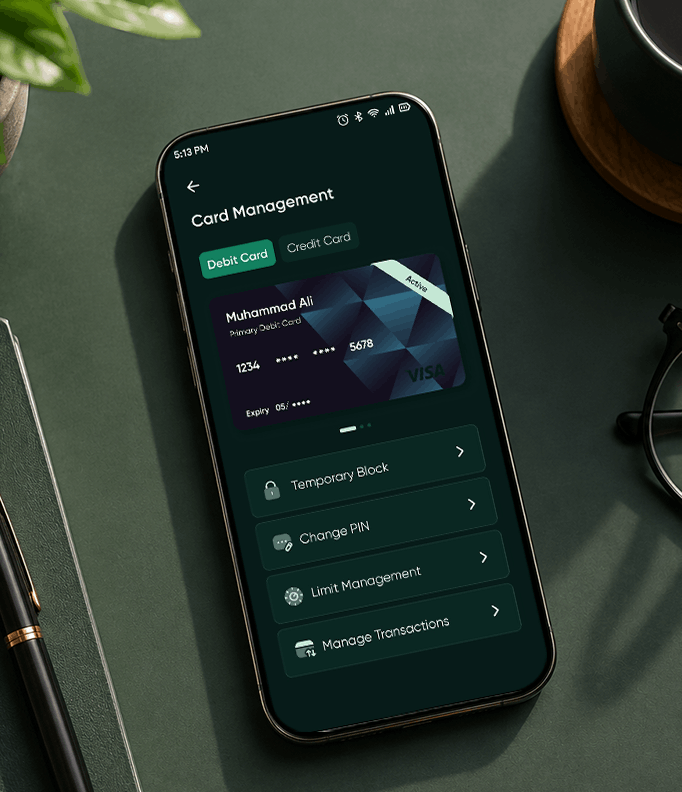
Manage transaction limits, Raast IDs, and saved payees with ease—giving you greater flexibility and control over how you bank.
The tools you need, right where you need them.
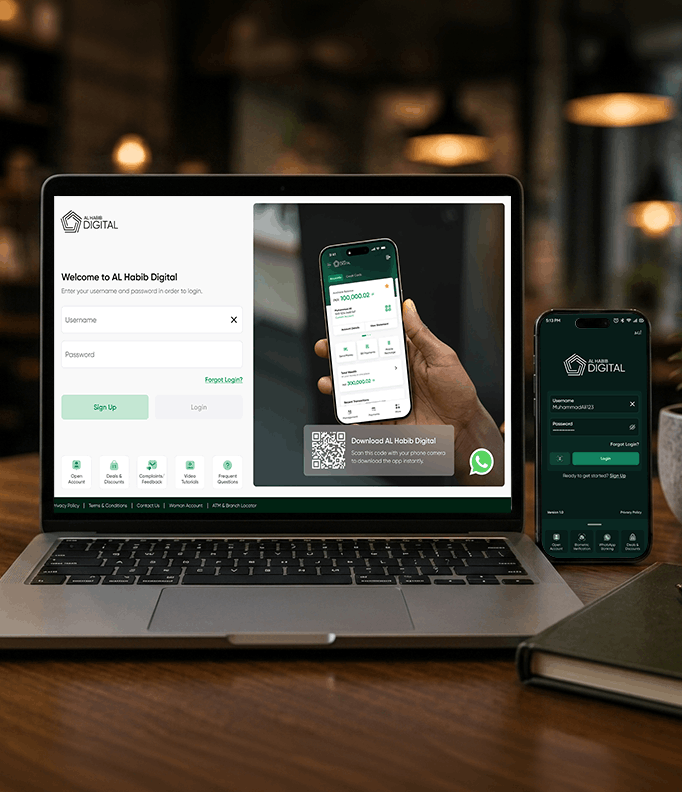
Prefer managing your finances on a larger screen? Switch to internet banking for a seamless experience.
Note: To add new payees or open additional accounts, use the AL Habib Digital app. Your login works across both.
Access internet banking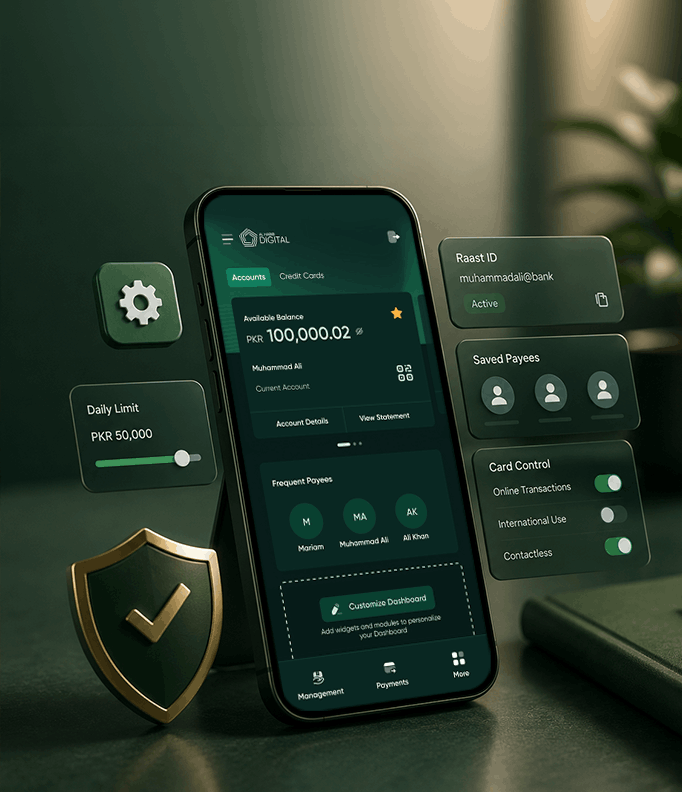
Your money, cards, and personal information are protected with secure biometric authentication and instant card controls, giving you confidence every time you bank.
Join the community of satisfied users who have rated us.
 Customers
Pakistanis trust AL Habib Digital to manage their money every day.
 Reviews
Glowing reviews highlight our intuitive design, powerful features, and real impact
 Ratings
Glowing ratings highlight our intuitive designs, powerful features, and real impact
See what our customers have to say about us

I would love to see a home screen widget as well for quick access.
The app has a modern and user-friendly interface with easy navigation, making digital banking simple and hassle-free. Overall, it is a great digital banking platform.
Faster login and very productive features. The minimal design and beautiful interface, especially the green theme, make the app a pleasure to use.
I would love to see a home screen widget as well for quick access.
The app has a modern and user-friendly interface with easy navigation, making digital banking simple and hassle-free. Overall, it is a great digital banking platform.
Faster login and very productive features. The minimal design and beautiful interface, especially the green theme, make the app a pleasure to use.
I really like the simple interface and smooth overall experience.
Honestly, this app is the most amazing version yet. The overall experience is smooth, modern, and convenient.
At last, after a decade, AL Habib has delivered a great update. The app works smoothly, and the refreshed UI makes the overall banking experience much better.
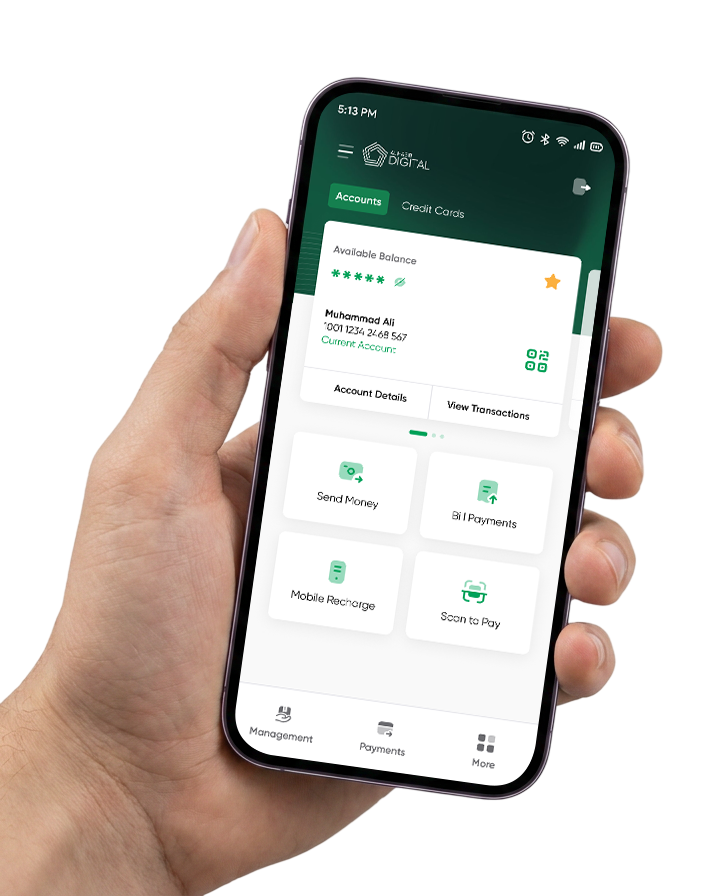
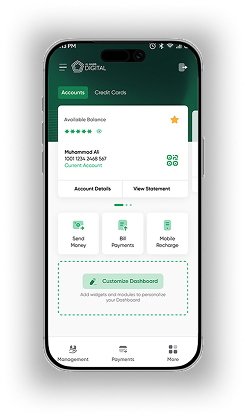
See your balance, track every transaction, and understand your spending — all in one calm, simple view.
AL Habib Digital is an upgrade to the existing AL Habib Digital system, offering enhanced functionalities, a more intuitive and user-friendly interface, improved UI/UX, and faster, seamless navigation for an enhanced digital banking experience. You can instantly self-register on the app using the internet, without the hassle of contacting the Call Center.
Along with the standard set of banking functionalities, AL Habib Digital introduces the following new features:
All active Bank AL Habib account holders with a valid CNIC/Passport maintaining the following types of accounts can use AL Habib Digital:
Before accessing AL Habib Digital, please ensure the following:
AL Habib Digital is built with strong security features to keep your account and information protected:
Our team is available around the clock to help. You can reach us through any of the following:
If you have an active account with Bank AL Habib, you can register for AL Habib Digital directly from the app by following the steps below (Singing up as new user):
Your username must meet the following criteria:
Yes. Once your username is created, you will be directed to the password creation screen. Your password must meet the following criteria:
Once your NADRA biometric verification is successful, your device will automatically be marked as a Trusted Device. You will receive both an SMS and an email confirming that your device has been registered.
If your account was opened at a local relationship branch but you are currently outside Pakistan and are unable to perform biometric verification:
If you have forgotten your username or password, tap Forgot Login on the login screen. You will see two options:
You can link your other AL Habib account(s) by using Account Linking feature in the app to link your account or by contacting our 24/7 Call Center at (021) 111-014-014.
The Cooling-off Period is a 2-hour security window that begins after you Sign Up, Register New Device, Change your password, Change your Username, Increasing Limit. It is designed to protect your account by delaying access in case the password reset was not initiated by you.
During the Cooling-off Period:
No, you can log in to AL Habib Digital using your existing AL Habib Mobile login credentials.
No, any changes made to your login credentials on AL Habib Digital will not be reflected on AL Habib Mobile. You will need to manage your login credentials separately for each platform.
Yes, your previously added payees and billers will be available in AL Habib Digital.
To enhance security and protect your account, the app requires access to your device's location. Please enable location services and grant the necessary permissions to continue using the app.
During the Cooling-off Period:
No. If your username is blocked, you will need to contact our 24/7 Helpline at (021) 111-014-014) to have it unblocked before you can proceed.
Device Binding is a security feature that links AL Habib Digital to your specific device, marking it as a Registered (Trusted) Device. This protects your account by alerting you whenever an attempt is made to access AL Habib Digital from an Untrusted Device.
Here is what you need to know about Device Binding:
Yes. You can change your username and password at any time through the Settings option on AL Habib Digital.
You can block your AL Habib Digital by contacting our 24/7 Call Center at (021) 111-014-014. After your successful verification over the phone, our Customer Representative will temporarily block your AL Habib Digital access.
To unblock your AL Habib Digital, contact our 24/7 Call Center at (021) 111-014-014 from your registered number. After your successful verification over the phone, our Customer Representative will unblock your AL Habib Digital access.
After incorrect password attempts, your AL Habib Digital access will be temporarily locked for your security. You can unlock it by resetting your password through the Forgot login then Forgot Password option on the login screen.
Currently, there are no charges for signing up or using AL Habib Digital. Please note that AL Habib reserves the right to introduce charges in the future, with prior notification communicated through the Schedule of Charges (SOC).
This means you have reached the maximum limit of devices allowed for AL Habib Digital login.
To log in on a new device, follow these steps:
For your security, updates to your registered email address and/or mobile number cannot be made through the app. You will need to visit your Bank AL Habib relationship branch and submit a Record Update Form. Your details will be updated within 3 working days.
The Basic Dashboard gives you a simple layout with all the important banking features already set up, so you can start using it right away.
The Advanced Dashboard allows you to set up multiple banking features that you use most frequently, giving you greater ease, control, and flexibility over your home screen.
You have two options for viewing your account statements:
International fund transfers are not available through AL Habib Digital at this time.
If your Raast ID is already linked with another bank, the system will display an error prompting you to delink it from that bank before connecting it to your Bank AL Habib account.
No. Only local numbers in the format 03XXXXXXXXX are acceptable for linking. Numbers in the +92 format will automatically be converted to the 03XXXXXXXXX format.
To add a Raast payee and transfer money through AL Habib Digital:
You can initiate a request by selecting the Withholding Tax/Balance Certificate option in the Certificates section under Service Request. The requested certificate will be sent to your registered email address within 30 minutes.
Only PKR current and savings accounts linked to your profile are available for QR code generation.
To stop payment on a cheque:
To check the status of a cheque: